Set a frame-rate target your PC can hold
Use a repeatable route to tune visual settings for the places where a game slows down.
Join the discussion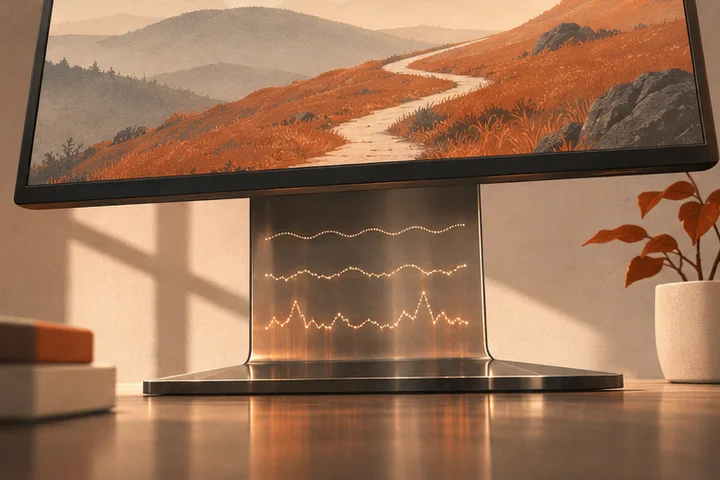
Turn on a frame-rate or frame-time overlay if your game or graphics software offers one. Pick a demanding section you can repeat from a save or checkpoint, and give the game time to settle after loading. Make a note of the current resolution, preset and cap.
Run the same route twice, with the same turns and actions where possible. Watch for repeated dips or uneven pacing at particular moments. If the game misses your target, change one option, such as shadow quality or render scale, then repeat the route and check what the change did to image clarity.
If the game offers a frame-rate cap, try a target it can hold through that route and that works with your display. Check how it feels during quick camera turns and input-heavy play. Save the settings when pacing, responsiveness and legibility suit you, then confirm the result in a different part of the game.